Account, address and subscription
Account settings
Your e-mail address, the language of your dashboard and the security of your account.
In this article
This section is about your personal account, not your website. It is short, and that is normal.
To get there: in the left menu, right at the bottom, click Settings.
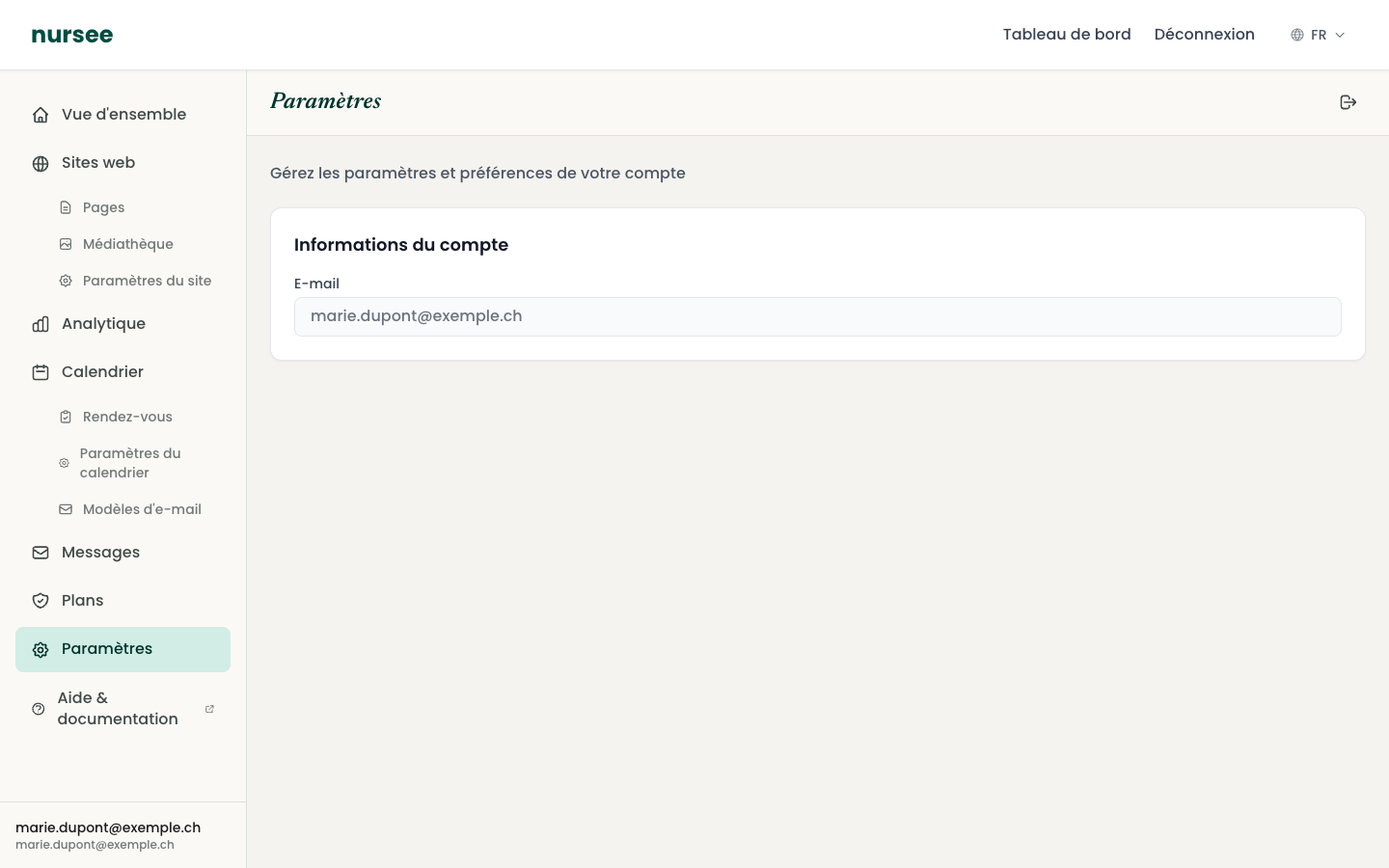
Account information
The address you sign in with. It also receives:
- password reset links;
- your subscription invoices;
- important notices.
This field is shown read-only.
To change your sign-in address, write to us: we make the change after verifying your identity, which protects your account.
Interface language
This setting changes the language of your dashboard: menus, buttons, messages.
The preference is saved on your account: you will find it again on any device.
You can also switch language quickly with the EN ▾ selector at the top right of the screen.
Changing your password
There is no « change password » field on this page. Use the reset procedure, which is safer:
Sign out.
On the sign-in page, click « Forgot your password? ».
Follow the steps: you receive a link by e-mail and choose a new password.
See Forgotten password.
Protecting your account
Four simple rules are enough:
- A unique password for nursee. Do not reuse the one for your e-mail or your bank.
- Do not share it with anyone. If a colleague needs to work on the site, contact us instead.
- Sign out on any shared computer.
- Be wary of unexpected e-mails. We will never ask you for your password by e-mail or by phone.
Signing out
The « Log out » button is at the top right of the screen, on every page of the dashboard.