The pages of your site
Translating a page
Offering your site in several languages, and creating the translated version of a page.
In this article
Your website can exist in several languages. Your visitors choose theirs with a small switcher at the top of the site, and each language has its own text.
This is particularly useful in Switzerland, where your patients may be French-, German- or English-speaking.
First: enable the languages
You can only translate into a language that is allowed on your site. That list is set once:
Go to Websites → Site settings.
Scroll down to the « Languages » section.
Tick the languages you want to offer.
Click « Save settings ».
See Site languages for the details.
Creating the translated version of a page
Open the page: Websites → Pages → « Edit ».
Look at the right-hand panel, « Languages » section.
You see the list of languages. Three cases:
- a badge reading ACTIVE: that is the language you are currently editing;
- a green dot: that translation already exists, click to open it;
- a plus sign: that translation does not exist yet, click to create it.
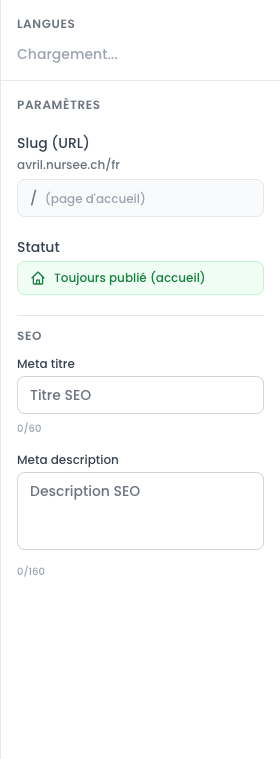
The list of languages, in the right-hand panel of the editor Click the + next to the language you want, for instance Deutsch.
The page reloads in German. The blocks are already in place, with the source text copied across.
Replace each piece of text with its German translation.
Click « Save ».
Click « Publish » to put that version online.
What you need to understand
Each language is independent:
- its own text, of course;
- its own slug (the address can be
/contactin English and/kontaktin German); - its own status: the English version can be published while the German one is still a draft;
- its own SEO settings.
The structure of the blocks, on the other hand, is shared: if you add a « Gallery » block to the English version, remember to add it to the other languages too.
Seeing where you stand
In the page list, the Languages column shows badges: FR, DE, EN…
- Coloured badge: the translation exists.
- Greyed-out badge: the translation does not exist yet.
One glance is enough to see what is left to translate.
What does a visitor see if the translation is missing?
They see your site in its default language. An untranslated page simply does not appear in that language's menu.
Your site is never broken by a missing translation — it is just less complete.