Getting started
Welcome to the help centre
What this help centre is for, how it is organised, and the three words to know before you start.
In this article
Hello, and welcome.
This help centre explains how to build and edit your website from your own private area. Everything is explained step by step, with pictures of what you see on your screen.
You need no technical knowledge at all. If you can write an e-mail, you can use nursee.
The three words to know
There are only three words to remember. Everything else follows from them.
1. The dashboard
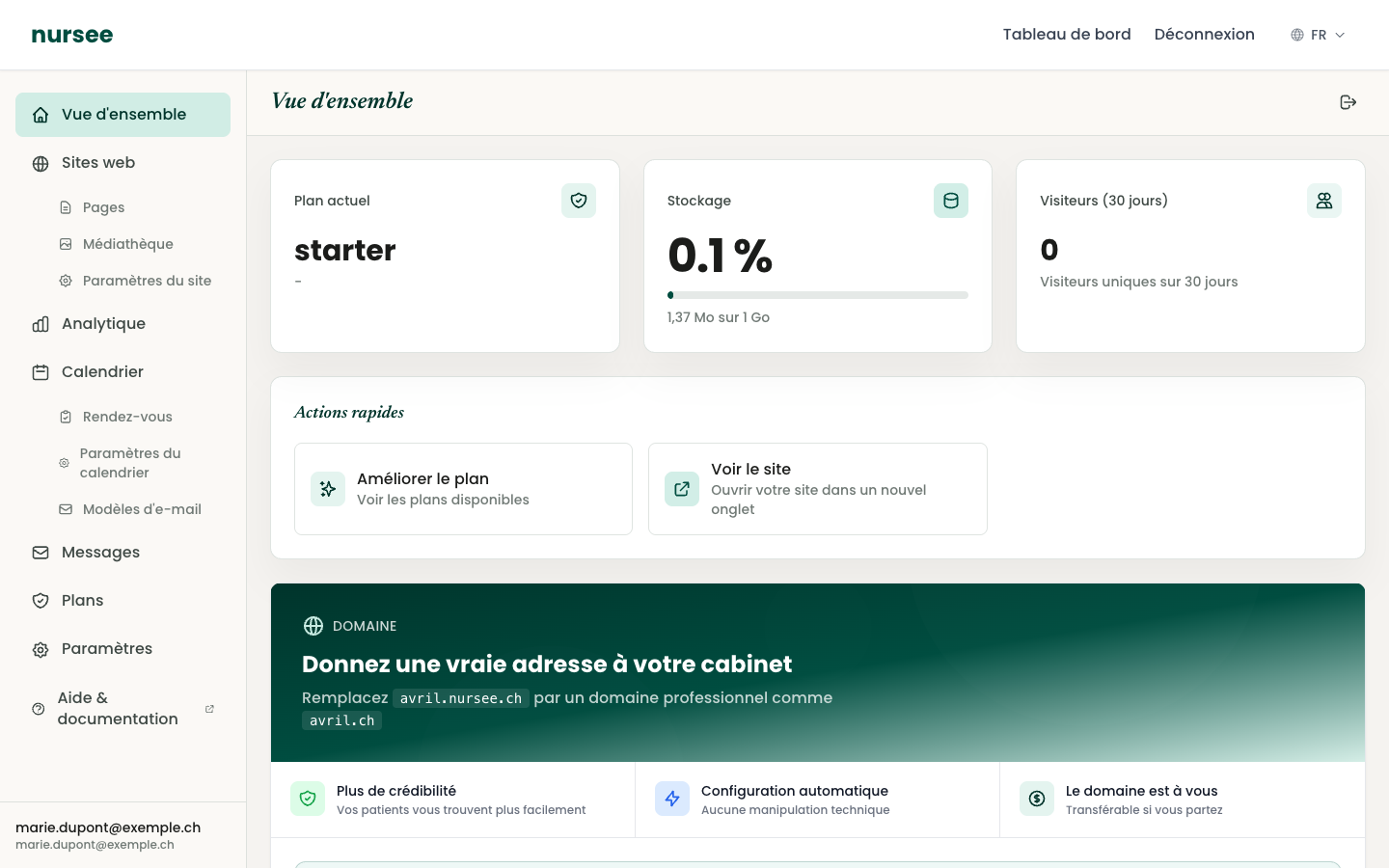
This is your private area, your « desk ». Only you can get in, with your e-mail address and your password. This is where you change everything.
2. The page
Your website is made of pages: the home page, an « About » page, a « Contact » page… Each page has its own address on the internet.
3. The block
A page is made of blocks stacked on top of each other, like bricks. A « Services » block, a « Testimonials » block, a « Contact » block… You choose which ones you want, and in what order.
How to read this help centre
Every article follows the same shape:
- one sentence on what something is for;
- numbered steps to follow in order;
- a picture of the screen being described;
- sometimes a Tip or Warning box.
The names of buttons to click are always in quotation marks, like this: click on « Save ».
Where to start
If you are completely new, read these four articles in order. Allow about half an hour: