The content blocks
The Hero block
The big entrance banner of your page: headline, subheadline and background image.
In this article
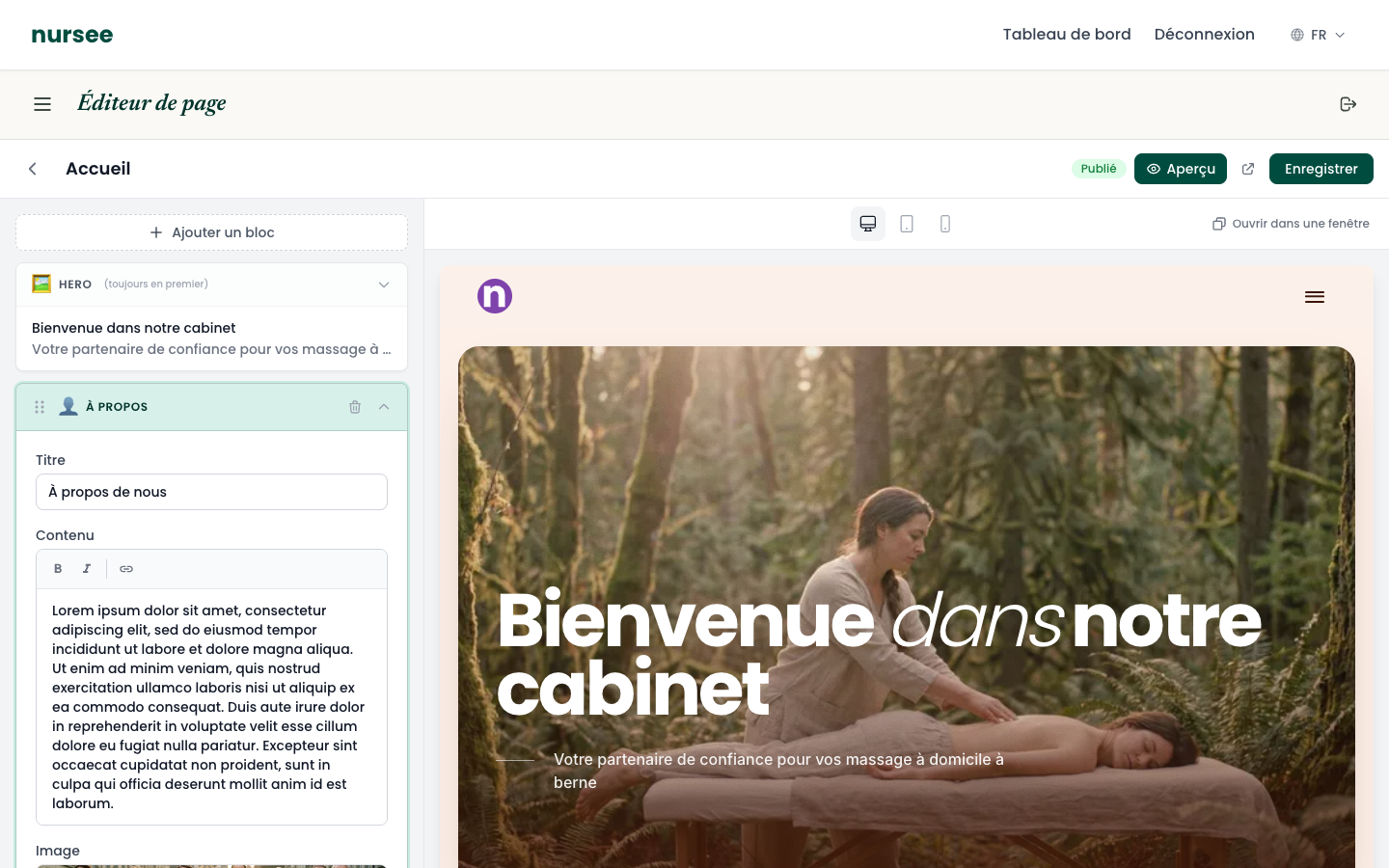
The Hero is the big banner right at the top of the page. It is the first thing a visitor sees, and often the only thing they read before deciding whether to stay.
What makes it special
- It is always in first position and cannot be moved.
- It cannot be deleted, but it can be hidden: if you clear its main headline, it does not appear.
- There is only one Hero per page.
The three fields
Open the page in the editor.
Click the HERO bar, at the top of the content.
Main headline
The most important sentence on your page. It appears very large.
It has to answer the visitor's question at a glance: « Am I in the right place? »
- ✅
Home nursing care you can trust - ✅
Your osteopath in Fribourg - ❌
Welcome to my website— carries no information. - ❌
Home— even less.
Aim for ten words at most.
Subheadline
A sentence that completes the headline. This is where you say who it is for, where, or what sets you apart.
- ✅
I travel within 20 km of Lausanne, 7 days a week. - ✅
Covered by basic insurance. By appointment.
Background image
The large photo behind the text.
Click the « Background image » field.
The media library opens.
Choose an existing image, or click « Import » to upload a new one.
Checking the result
Click « Preview » at the top right, then the small phone icon. On a narrow screen, a headline that is too long fills the whole screen and the visitor sees nothing else. If that happens, shorten it.
Do not forget to save
As everywhere in the editor, click « Save » at the top right to keep your changes.