The look of your site
The footer
What sits at the bottom of your site, and the text you can add there.
In this article
The footer is the band at the very bottom of your site. It is identical on every page.
It contains, automatically:
- your site name and your logo (light version);
- your contact details — e-mail, phone, address;
- the icons of your social networks;
- the menu of your site;
- a free text that you write.
Editing the footer text
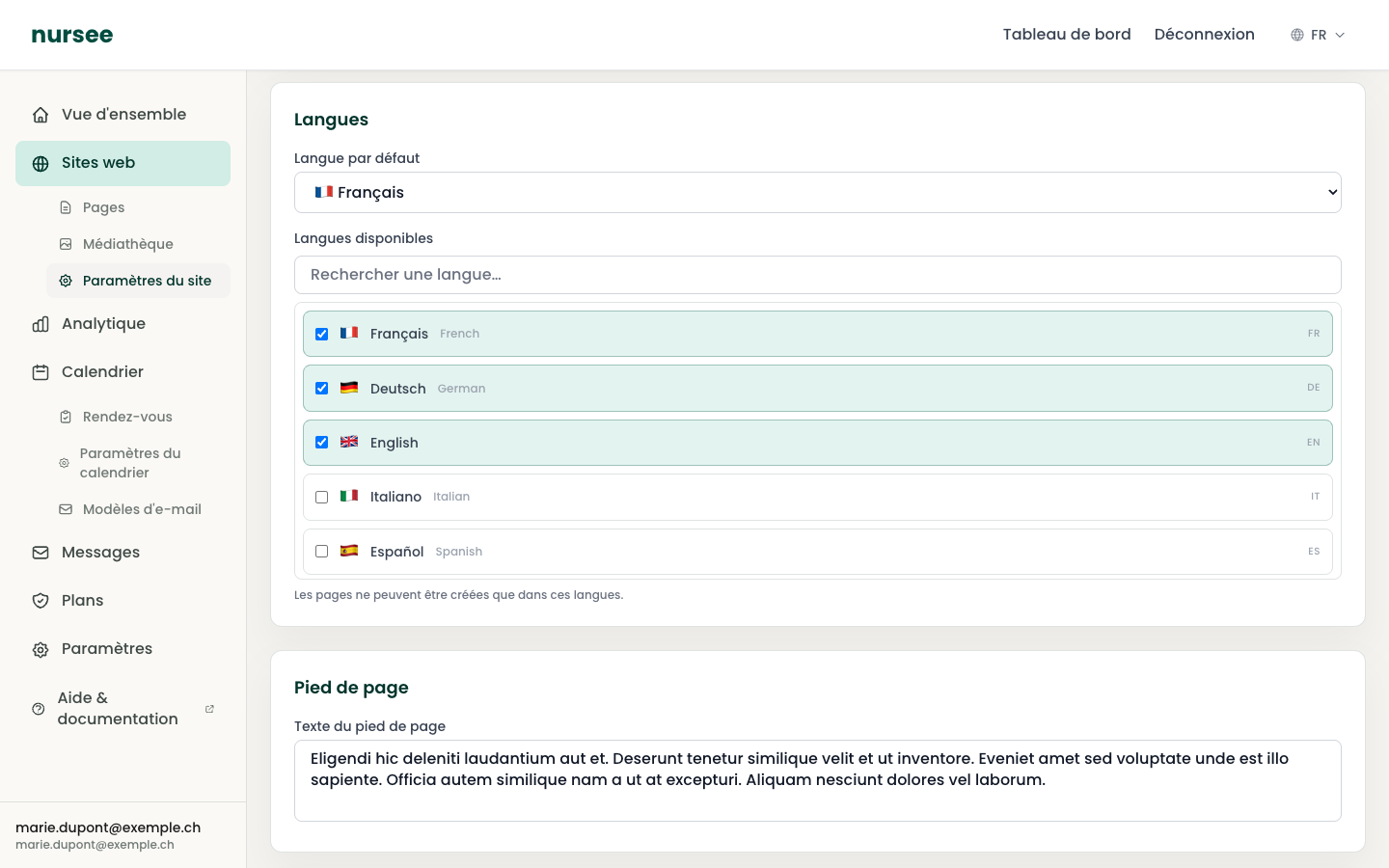
Go to Websites → Site settings.
Scroll down to the « Footer » section.
Type your text in the « Footer text » field.
Click « Save settings », at the top right.
What to put in this text
This is the place for useful but secondary information — the sort you do not want at the top of the page.
Examples that work well for an independent health professional in Switzerland:
- Your qualifications and memberships:
Registered nurse. Member of the SBK-ASI. - Your accreditations:
Recognised by ASCA and RME. - Your hours:
Monday to Friday, 8am – 6pm. - Your service area:
I travel within 20 km of Lausanne. - Your professional numbers: RCC number, GLN number, if you want to display them.
Keep it short: two or three sentences. The footer is not a place for reading.
What you do not change here
Some parts of the footer come from elsewhere:
| Element | Where to change it |
|---|---|
| Site name, light logo | Site settings → General. See Name, logo and favicon. |
| E-mail, phone, address | Site settings → Contact information. See Contact details. |
| Social network icons | Site settings → Social links. |
| The menu links | The order of your pages. See Reordering and deleting. |
The light logo
The footer usually has a dark background. That is why it uses your « Logo (light version) » and not the dark one.
If your logo is invisible in the footer, you have uploaded a dark logo into that field. Replace it with a light or white version.
And the legal pages?
Your site already has its privacy policy: nursee creates it with the site, in every language. It appears automatically at the bottom of the footer, with the legal links, and never in the top menu.
This page is required by law: it always stays published and its "Privacy policy" block cannot be deleted. You can add other sections around it, for example a Title & Text block.
For other legal pages (legal notice, terms…), create a page whose address starts with legal: it will join the legal links in the footer too.