Getting started
Forgotten password
Getting a link by e-mail to choose a new password, and choosing a good one.
In this article
This happens to everyone, and it is not serious at all. Your data, your website and your appointments are not lost. You are simply going to choose a new password.
Asking for a new password
Go to the sign-in page of nursee.ch.
Under the form, click « Forgot your password? ».
Type your e-mail address in the field.
Click « Send the link ».
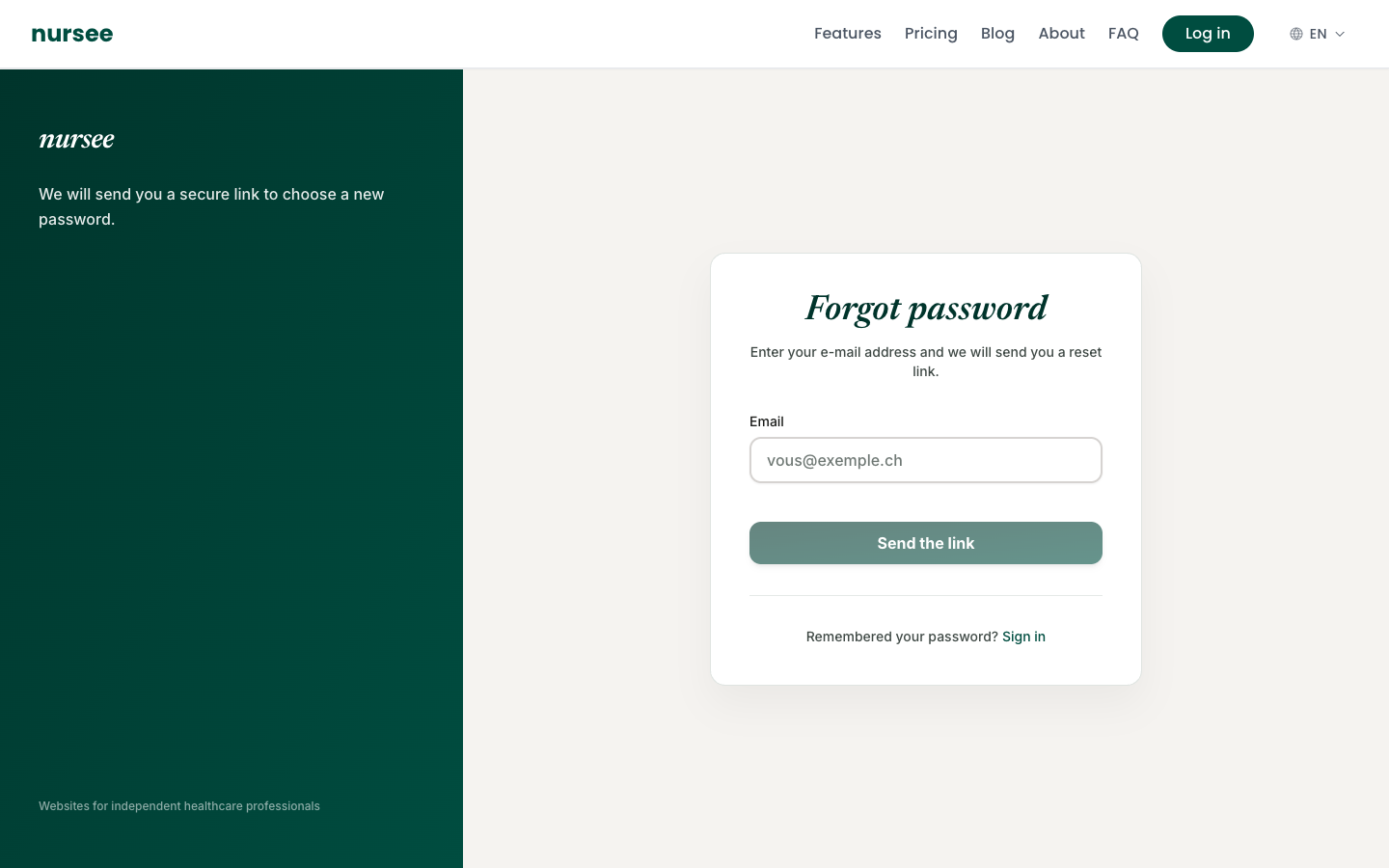
A message confirms it was sent. Do not close anything, just go and check your inbox.
Choosing your new password
Open the e-mail you have just received from nursee.
Click the link in it. Your browser opens the « New password » page.
Type your new password, then type it a second time to confirm.
Click « Save the password ».
You are taken back to the sign-in page. Sign in with your new password.
If the e-mail does not arrive
Check these three things, in this order:
The junk mail or spam folder of your inbox. That is by far the most common cause.
The spelling of your e-mail address. One missing letter and the e-mail goes elsewhere. Ask again and type the address very slowly.
A little patience: sending sometimes takes two or three minutes.
If nothing has arrived after that, write to us: we will check which address is registered on your account.
How to choose a good password
The password must be at least 8 characters long. A coloured gauge appears as you type: aim for green.
The simplest and strongest method: put three or four unrelated words together, with a number.
- Easy to remember and strong:
Tulip-Saucepan-7-Bike - Absolutely avoid: your first name, your date of birth, the name of your practice,
123456,password.